
Learn to successfully master the requirements of GHS labeling with SAP®. We will show you how to print hazardous material data directly from SAP EHS or any other chemical database. We will show you how to print with hazardous material data directly from SAP EHS or any other chemical database.
GHS Labeling for hazardous materials
CLP stands for “Classification Labeling and Packaging” and is the European Regulation (EC) No. 1272/2008 for implementing the UN GHS regulations. By integrating your label management system with IT systems for the classification of hazardous materials, such as SAP EHS, ChemGes or Epos, you can achieve a consistent and secure process for hazardous material and dangerous goods labeling.
Advantages of an integrated, continuous process for hazardous materials
With an end-to-end process for labeling your hazardous materials, you can achieve the following benefits:
Requirements for hazardous material labels according to the CLP Regulation
With the label designers that we support, users can easily create multilingual labels with all of the mandatory GHS pictograms. Hazard symbols or pictograms are key elements printed as colored labels (signal color). These are certainly the most obvious requirements for labeling, but there are other points to pay attention to as well. We have summarized the most important requirements from the CLP Regulation for you here.

Would you like to experience GHS Labeling from SAP live?
Would you like to know how to implement the CLP Regulation? Or how to print multilingual labels and two-color GHS symbols? We will be happy to show you live.
The top 6 challenges with GHS Labeling
Based on the experiences of our customers as well as the labeling system requirements for implementing the CLP Regulation, we have put together the 6 most important challenges for labeling in the chemicals industry for you.

Long text phrases & text “flows”
You print hazard and safety information in the correct order on your labels. Depending on the size of the label, line breaks must also be taken into account without texts overlapping on the label. The automatic adjustment of the text size and the shape of the text flow around objects such as the hazard symbols is therefore very helpful.

Two-color printing of the hazard symbols
The new GHS pictograms are to be applied with a red diamond and a black pictogram on a white background. Pre-printed labels rarely solve the problem of two-color printing in the long term. With the right printer, you can apply the colored pictograms directly from SAP according to product, label size and position. This flexibility also saves you the hassle of changing materials on the printer.

Unicode Support
Regional and multilingual labels require full Unicode character support. Different languages and code sets such as Chinese, Indian, Arabic or Cyrillic allow you to label your products for all your target markets and meet their local requirements.

Multilingual labels
The languages you print for GHS labeling usually depend on the destination country of the recipient of your products and the local regulations. With the conditions that you define in Label Management, you can easily control the languages according to the destination country or recipient. The template enables you to use dynamic arrangement of languages to print multiple languages with minimal space requirements.

National & International Regulations
As with language discovery, you can also consider other regulatory requirements for each target country with our rules. With a sensible structure for the regulation conditions, you always know what has to be printed in which country. What’s more, this gives you the opportunity to make specific customer requirements easy to maintain for the specialist department.

Data validation & Label approval / release
An ERP system like SAP is very hungry for data. All data from ordering, procurement and production through to delivery is recorded automatically, but also manually in some cases. Hardly any company can rule out errors in this flood of data. In the case of GHS labeling, an incorrect data record can have serious consequences. This is why we have developed the Content & Alert Manager, which provides companies in sensitive industries with an additional tool for validating data and approving labels.
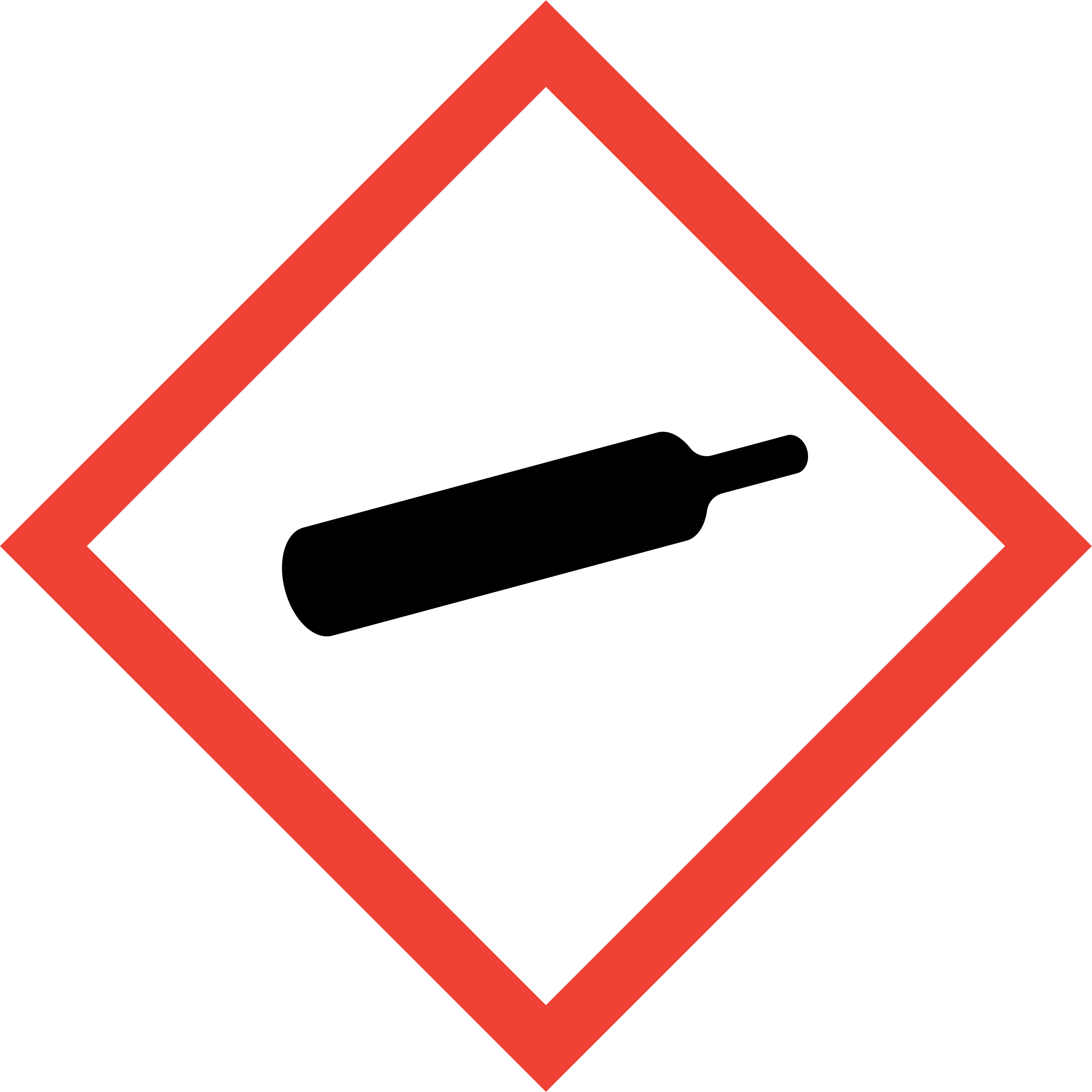
Here you can download the 9 hazard pictograms (formerly hazard symbols or GHS symbols) of the GHS system. We provide you with the pictograms in PNG or TIF format. These are best suited for use in the Label Designer. You will also find the GHS numbers and signal words in the table. The official pictograms in EPS format can be found at the UNECE.
Pictogram
GHS number
Naming
Signal word
SAP EHS name


Exclamation mark
Toxic Cat. 4 (Harmful) Corrosive or irritant effect Cat. 2 Low systemic health hazard
GHS_exclam


Environment
Warning (for cat. 1) (for cat. 2 no signal word) Environmental hazard
GHS_pollut
What size must the pictograms and labels have according to the CLP Regulation?
The size of the pictograms is measured at the outer edges of the red rhombus. The sizes of the pictograms and the dimensions of the identification labels are based on the container size (packaging capacity) of your products in accordance with Regulation (EU) No. 286/2011.
Container sizes
Pictogram sizes
Dimensions of identification labels
< 3 liters
>3 to 50 liters
>50 to 500 liters
>500 liters
not smaller than 10 × 10 mm, if possible at least 16 × 16 mm
at least 23 x 23 mm
at least 32 × 32 mm
at least 46 x 46 mm
if possible at least 52 × 74 mm
at least 74 × 105 mm
at least 105 × 148 mm
at least 148 × 210 mm
The minimum text size
The recommended minimum text size on the label should be 1.8 mm. With the Arial font, this corresponds approximately to font size 7.
GHS/CLP label printing from SAP for cooling lubricants in filling plants

Blaser Swisslube AG
Cooling Lubricants
Blaser Swisslube AG’s previous system for labeling was still largely manual and based on around 3,500 static templates. With GHS, the number of labels required rose to around 20,000, which meant that the maintenance effort was no longer sustainable.
With this in mind, Blaser Swisslube was looking for an intelligent IT solution for generic label printing that is completely free of static labels and only requires a few templates. With OPAL Label Management, we have successfully centralized the labeling of products in accordance with the CLP regulation in SAP and integrated the data from the ChemGes database.
GHS Labeling with SAP EHS (Environment Health Safety)
Do you classify your products with SAP EHS? Then you know that determining data from this comprehensive classification system is not possible without effort. Over the years, many customers have implemented additional applications and customer developments based on SAP EHS. To create safety data sheets, you use SAP GLM (Global Label Management), which uses Microsoft Word as a designer.

Is SAP GLM (Global Label Management) still up to date?
The answer to this question is probably no. It is not for nothing that there are already ideas for a complete paradigm shift on the part of SAP towards open interfaces for labeling systems. We already offer you an SAP-integrated label management system that has access to your GHS labeling data from SAP EHS. You benefit from all functions relating to professional creation, release and printing
Exciting products for the chemical industry




Customers from the chemical industry


I can show you how to print GHS labels from SAP.
Book a personal live demo with our experts. We will show you how easy it is to manage and print labels centrally in SAP.
Standardize your labels in SAP
